
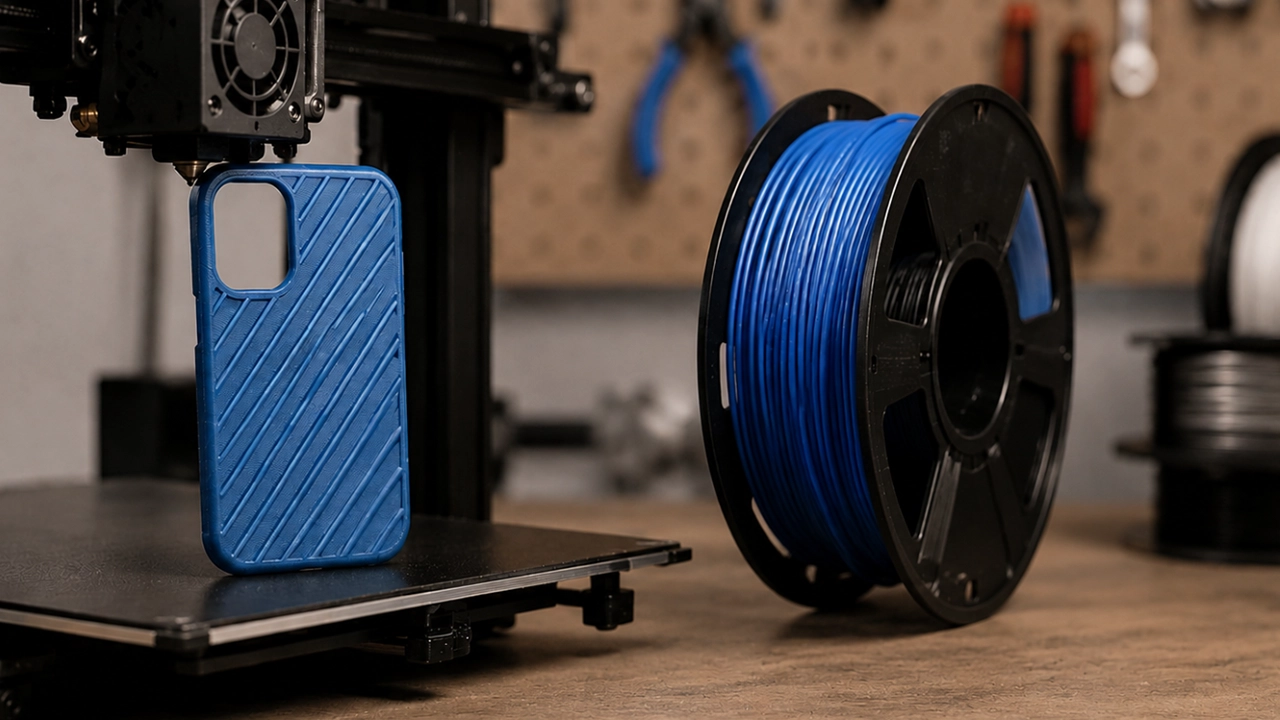
If you’ve mastered printing with PLA or PETG, you may be wondering what to try next. TPU filament is one of the most useful materials you can add to your workshop. Unlike rigid plastics, TPU bends, stretches and absorbs impact without breaking, making it ideal for practical 3D printing projects.
That said, your first experience with TPU can feel a little intimidating. It behaves very differently from rigid materials, and the print settings that work well for PLA won’t always give you the same results.
The good news? Once you understand a few key differences and make a few simple adjustments, TPU 3D printing becomes surprisingly straightforward. In this guide, we’ll explain what makes TPU unique, how to achieve successful prints, and which projects are best suited to flexible filament.
What is TPU Filament?
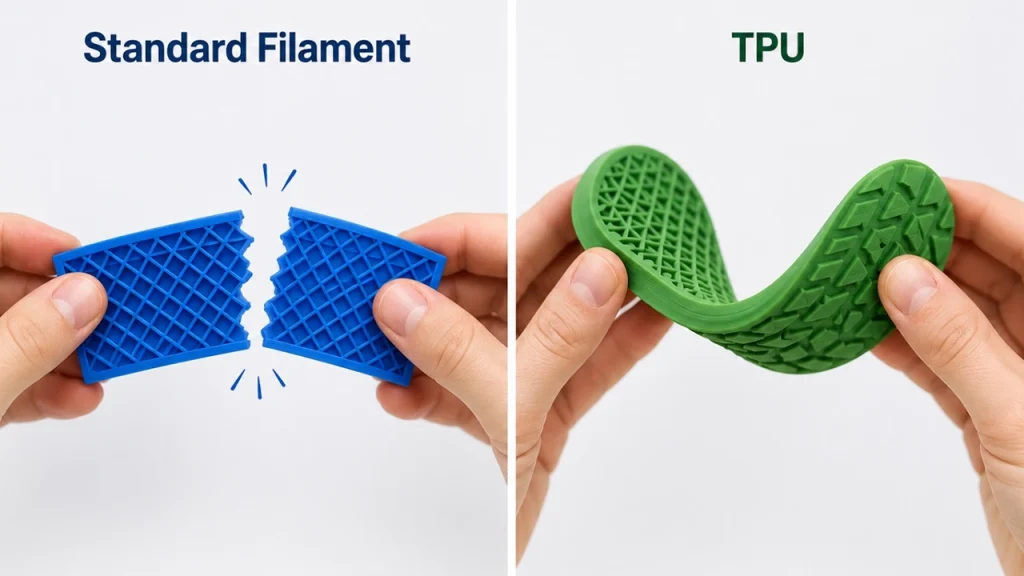
TPU, or Thermoplastic Polyurethane, is a flexible 3D printing material that combines the durability of plastic with the elasticity of rubber. It bends, compresses and twists before returning to its original shape, making it an excellent choice for parts that need to withstand regular movement, vibration or impact.
Unlike brittle materials, TPU is designed for functional applications. It offers excellent resistance to abrasion, wear and repeated flexing, making it a favourite among hobbyists, makers and professionals alike.
Common applications include:
- Phone cases
- Protective covers
- Cable organisers
- Gaskets and seals
- Wearable accessories
- Anti-slip feet
- Flexible hinges
- RC car tyres
- Drone bumpers
- Tool grips
If your project needs to bend instead of break, flexible filament is often the ideal solution.
Why TPU Prints Differently
The biggest difference between TPU and rigid filaments comes down to flexibility.
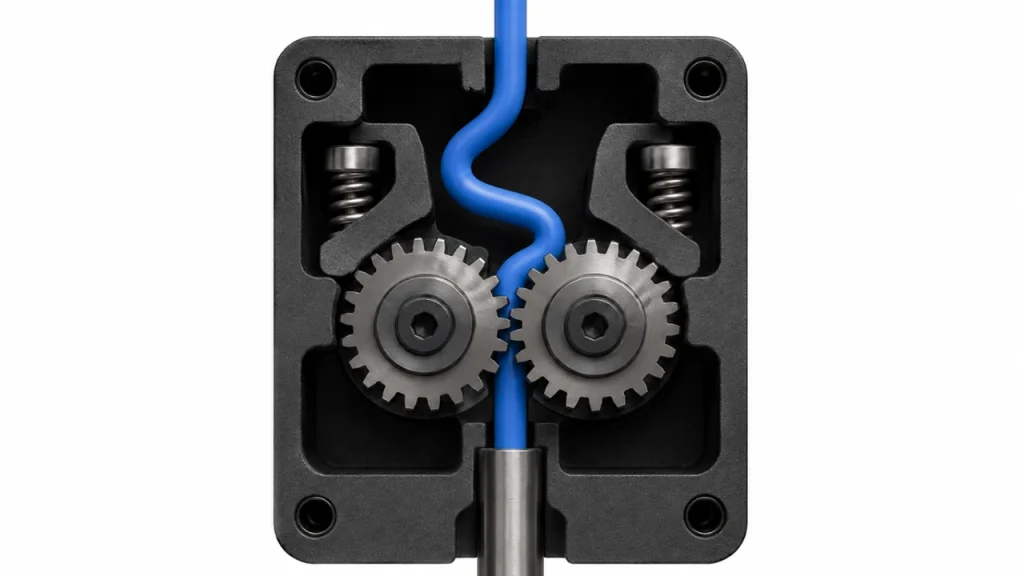
PLA and PETG feed through your printer almost like pushing a solid rod into the extruder. TPU, on the other hand, can compress, bend or buckle before it even reaches the nozzle.
If the filament encounters too much resistance, it may twist inside the extruder path instead of feeding smoothly. That’s why many TPU printing problems have less to do with nozzle temperature and more to do with how the filament travels through your printer.
Understanding this is often the first step towards successful TPU printing.
Direct Drive vs Bowden Extruders
One of the most common questions people ask when learning how to print TPU is whether their printer is suitable. The answer largely depends on the type of extruder.
Direct Drive Extruders
With a direct drive system, the extruder gear sits directly above the hot end. Because the filament has very little distance to travel, there’s less opportunity for it to buckle or curl.
This makes direct drive printers the preferred choice for printing flexible materials, and it’s one of the reasons many newer printers come equipped with direct drive systems as standard.
Bowden Extruders
Bowden printers place the extruder away from the hot end and feed filament through a longer PTFE tube.
TPU can absolutely be printed on a Bowden setup, but it generally requires slower print speeds, conservative retraction settings and a smooth, unrestricted filament path.
Many users achieve excellent results on Bowden printers—it simply takes a little more patience.
Recommended TPU Printing Settings
Every TPU manufacturer recommends slightly different settings, but these provide a reliable starting point. Most South African filament suppliers recommend similar ranges, making these settings suitable for beginners.
Print Speed
Slower is almost always better.
A print speed of around 20–30 mm/s allows the filament to feed consistently and greatly reduces the chance of buckling inside the extruder.
Once you’ve achieved reliable prints, you can gradually experiment with increasing the speed.
Nozzle Temperature
Most TPU filaments print well between 220°C and 235°C.
Always check the manufacturer’s recommendations for your specific filament. If you notice excessive stringing, lowering the nozzle temperature slightly can often improve print quality.
Retraction
Retraction is one of the biggest causes of failed TPU prints.
Flexible filament doesn’t retract as neatly as rigid materials, so long or fast retractions can cause the filament to bunch up inside the extruder.
Keep retraction short, slow and minimal wherever possible.
Cooling
Moderate part cooling generally produces the best results.
Cooling helps bridges and overhangs hold their shape, while excessive cooling can reduce layer adhesion on some TPU blends.
Bed Temperature
Most TPU adheres well to a heated bed between 40°C and 60°C.
If you struggle with first-layer adhesion, a light layer of glue stick can improve grip while also making the finished print easier to remove.
Keep Your TPU Dry
One thing many beginners don’t realise is that TPU filament readily absorbs moisture from the air.
This can lead to popping or crackling sounds during printing, excessive stringing, rough surface finishes and weaker printed parts.
To avoid these problems, store your TPU in an airtight container with fresh desiccant whenever it’s not in use. If your filament has absorbed moisture, drying it before printing can dramatically improve print quality and consistency.
Good filament storage habits will help you achieve better results and extend the life of your material.
Common TPU Problems and Fixes
Even experienced makers run into issues with flexible filament from time to time. Fortunately, most problems have straightforward solutions.
Under-Extrusion or Clicking Extruder
If your extruder starts clicking or grinding, the filament is often compressing instead of feeding smoothly.
Try reducing the print speed, lowering the retraction distance and checking that the filament path is free from unnecessary resistance.
Stringing
Some stringing is completely normal when printing TPU because the material remains flexible as it leaves the nozzle.
To reduce stringing, lower the nozzle temperature slightly and keep retraction settings conservative rather than increasing them aggressively.
Filament Tangling Before the Extruder
Because TPU bends so easily, sharp angles between the spool and the printer can create feeding problems.
A simple filament guide or smoother spool path can make a noticeable difference.
Poor Bed Adhesion
If your first layer won’t stick properly, clean the build plate thoroughly, increase the bed temperature slightly and slow down the first layer.
As with any filament, proper bed levelling remains essential for successful prints.
Pro Tip: Check the Filament Feed Before Every Print
Before starting a long TPU print, manually feed a small amount of filament through the hot end.
If it feeds smoothly by hand, you’re far less likely to encounter extrusion problems during the print. Taking a minute to check your filament path can save hours of frustration later.
Understanding Shore Hardness
Not all TPU feels the same.
Flexible filaments are rated using Shore hardness, which indicates how soft or firm the material is.
- 85A: Very soft and highly rubber-like.
- 90A: Flexible with slightly more support.
- 95A: An excellent all-round choice that’s relatively easy to print.
- 98A: Firmer, with less flexibility but easier handling.
For most beginners, 95A TPU is the ideal starting point. It offers an excellent balance between flexibility, durability and ease of printing.
What Can You Make with TPU?
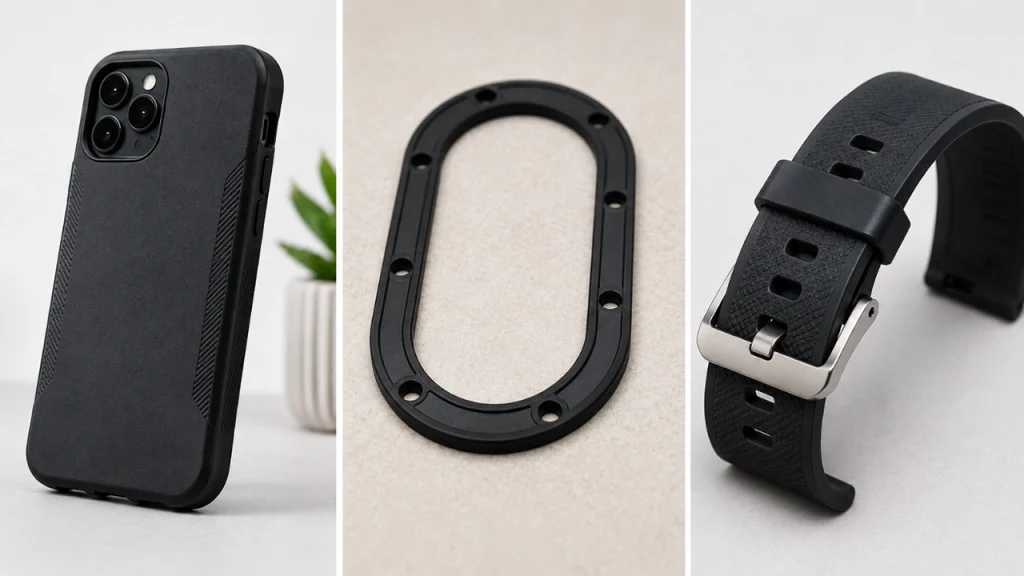
Once you’ve mastered the basics, TPU opens the door to an entirely new range of practical prints.
It’s particularly well suited to parts that need to bend, cushion, grip or absorb impact.
Popular projects include:
- Phone cases
- Cable clips
- Tool grips
- Rubber feet for furniture
- Watch straps
- Bicycle accessories
- RC car components
- Protective machine covers
Many makers also combine TPU with rigid materials like PLA or PETG in multi-material prints. For example, you might print a PLA body with a TPU grip or flexible hinge, creating products that offer the best of both materials.
Is TPU Worth Learning?
Absolutely.
TPU has a slightly steeper learning curve than PLA, but it quickly becomes much easier once you slow down your print speeds, reduce retraction and ensure the filament feeds smoothly.
Keeping your filament dry and storing it correctly will also help produce cleaner, stronger and more consistent prints over time.
Whether you’re printing protective phone cases, flexible hinges, workshop accessories or custom grips, TPU filament opens the door to projects that simply aren’t possible with rigid materials alone.
For South African makers looking to expand beyond the basics, flexible filament is well worth adding to the workshop. With a little patience and the right settings, you’ll soon discover why TPU has become one of the most versatile and rewarding materials in modern 3D printing.
