Getting into 3D printing is exciting. Whether you want to create functional parts, cosplay props, prototypes, miniatures, or simply explore a new hobby, buying your first 3D printer opens up a world of possibilities.
It can also feel incredibly overwhelming.
Search online for the best beginner 3D printer and you’ll immediately find hundreds of options, confusing specifications, and strong opinions from every direction. Some printers focus on speed, others on detail, while many claim to be the ultimate all-round machine.
The truth is that the “best” first 3D printer depends entirely on what you want to make, how much you want to spend, and how much time you’re willing to invest in learning.
The good news? Once you understand the basics, choosing the right machine becomes far less intimidating.
This guide covers the main types of 3D printers, the features that actually matter, realistic expectations for beginners, and how to think about your budget before buying your first machine.
FDM vs Resin: Which Type of 3D Printer Should You Buy?
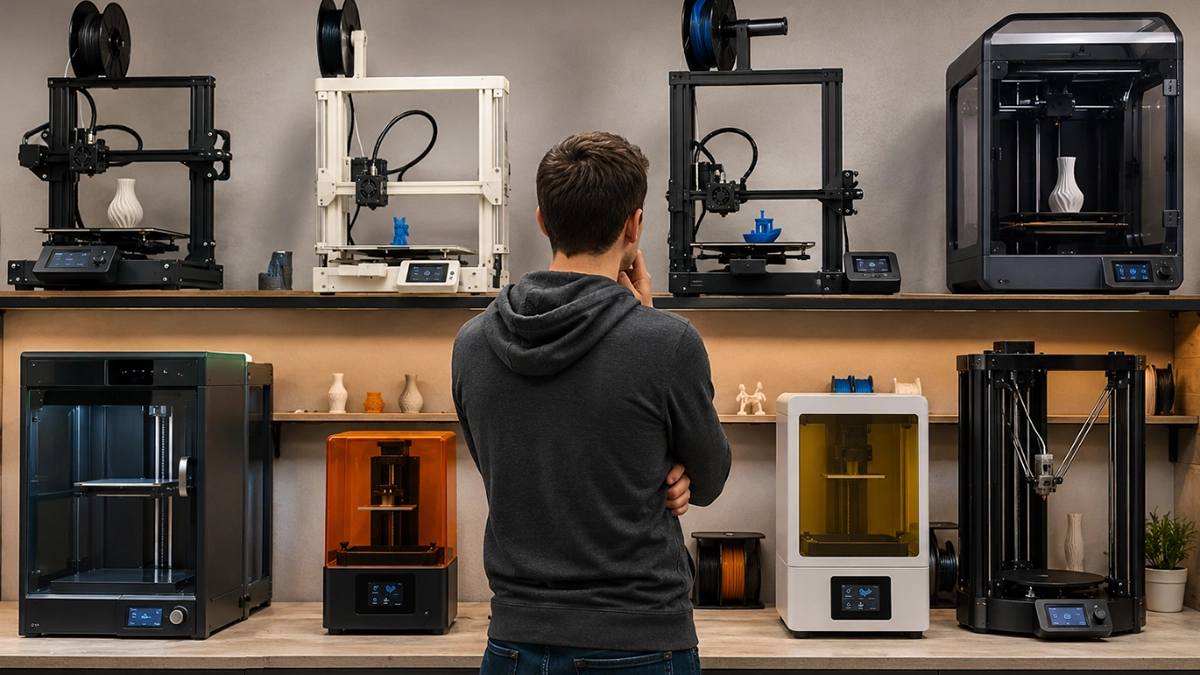
The first decision every beginner needs to make is choosing between FDM and resin printing.
These are the two main consumer 3D printing technologies, and they’re designed for very different uses.
FDM Printers
FDM (Fused Deposition Modelling) printers work by melting plastic filament and depositing it layer by layer onto a build plate.
This is the most common type of 3D printer and usually the best starting point for beginners.
FDM printers are popular because they’re:
- More affordable to buy and maintain
- Easier to learn
- Widely supported online
- Suitable for larger prints
- Great for functional parts and general projects
They’re ideal for:
- Household items
- Organisers
- Cosplay props
- Hobby projects
- Replacement parts
- Prototypes
There are some downsides, though.
FDM prints typically show visible layer lines, and achieving extremely fine detail can be difficult compared to resin printing. Some prints may also require sanding or post-processing for smoother finishes.
Still, for most people looking for an affordable 3D printer in South Africa, FDM is the best beginner-friendly choice.
Resin Printers
Resin printers use UV light to cure liquid resin into solid objects.
The level of detail resin printers can achieve is impressive. Smooth surfaces and tiny details are where resin truly shines.
Resin printing is especially popular for:
- Miniatures
- Figurines
- Jewellery models
- Dental applications
- Detailed display pieces
However, resin printing comes with more responsibility.
Resin is a chemical that requires careful handling, proper ventilation, gloves, and post-processing. Prints need to be washed and cured after printing, and the overall process is less beginner-friendly than FDM.
For most first-time buyers, FDM is the smarter place to start. Once you’re comfortable with the basics of 3D printing, adding a resin printer later becomes much easier.
Understanding FDM Printer Types
If you decide to go with FDM, you’ll quickly come across two common printer styles: bed slingers and CoreXY printers.
Bed Slinger Printers
A bed slinger is the traditional FDM printer design.
In this setup, the print bed moves back and forth while the print head moves across the other axes.
Bed slingers are popular because they’re:
- Affordable
- Reliable
- Easier to maintain
- Beginner-friendly
- Supported by massive online communities
Most entry-level 3D printers use this design.
The trade-off is speed. Since the print bed moves during printing, excessive speed can sometimes affect print quality, especially on taller objects.
That said, a well-tuned bed slinger is more than capable of producing excellent results.
CoreXY Printers
CoreXY printers use a more advanced motion system where the print head moves while the bed only moves vertically.
This allows for:
- Faster print speeds
- Better stability
- Reduced vibration
- Improved performance on larger prints
CoreXY printers have become increasingly popular as prices have dropped over the years.
However, they’re usually more expensive and slightly more complex than traditional bed slingers.
For beginner 3D printing, both options can work well. Reliability and ease of use are far more important than chasing extreme speed straight away.
The Features That Actually Matter
One of the most confusing parts of buying your first 3D printer is dealing with specification sheets full of technical jargon.
Some features genuinely improve your experience. Others are mostly marketing.
Here’s what you should actually pay attention to.
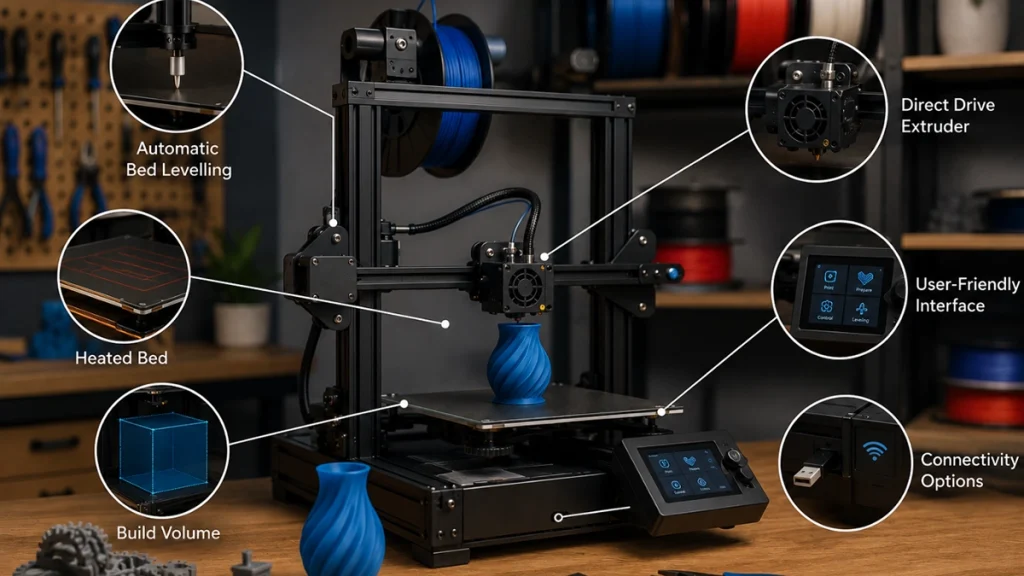
Automatic Bed Levelling
Automatic bed levelling is one of the best quality-of-life features a beginner can have.
Bed levelling ensures the nozzle sits at the correct distance from the print surface. If the bed isn’t level, prints can fail before they even begin properly.
Manual levelling works, but it can be frustrating for new users.
Automatic bed levelling dramatically reduces setup frustration and makes getting successful first layers much easier.
If possible, prioritise a printer with this feature.
Heated Bed
A heated bed helps improve adhesion and reduces warping.
For PLA printing, it’s extremely useful.
For materials like PETG, ABS, or ASA, it’s practically essential.
Most modern beginner printers include heated beds, and it’s a feature worth having from the start.
Direct Drive vs Bowden Extruders
The extruder feeds filament into the printer’s hotend.
There are two common setups.
Direct Drive
The extruder is mounted directly on the print head.
Advantages include:
- Better flexible filament printing
- Improved extrusion control
- Easier material handling
Bowden
The extruder is mounted separately and feeds filament through a tube.
Advantages include:
- Lighter print head
- Simpler design
- Potentially faster movement
For beginners wanting versatility, direct drive is generally the better option.
Build Volume
Build volume refers to the maximum size object your printer can produce.
Bigger isn’t always better.
Larger printers:
- Cost more
- Take up more space
- Heat up slower
- Require more maintenance
For most hobbyists, a standard-sized build volume is more than enough.
Only prioritise a large format printer if you know you’ll regularly print helmets, large cosplay props, or oversized functional parts.
Print Speed
Modern manufacturers love advertising extreme print speeds.
While some printers can technically achieve very high speeds, these numbers rarely reflect real-world beginner printing.
Higher speeds often require:
- Careful calibration
- Quality filament
- Advanced slicer tuning
As a beginner, focus on:
- Reliability
- Consistent print quality
- Ease of setup
A slightly slower printer that produces dependable results is usually the better experience overall.
What to Expect as a Beginner
One of the biggest misconceptions about beginner 3D printing is that it’s completely plug-and-play.
Modern machines are easier than ever, but there’s still a learning curve involved.
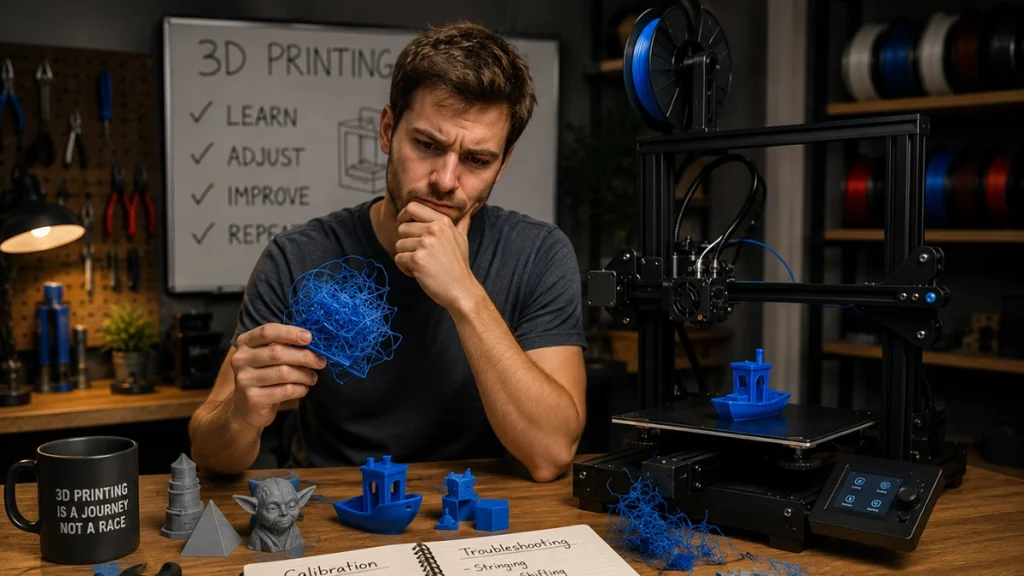
Failed Prints Are Completely Normal
Every 3D printing enthusiast experiences failed prints.
You’ll eventually deal with:
- Warping
- Stringing
- Poor adhesion
- Layer shifts
- Clogged nozzles
- Support issues
This is part of the process, not a sign that you bought the wrong printer.
The good news is that the 3D printing community is enormous, and almost every problem has already been solved by someone online.
Slicer Software Matters
Before printing, you’ll need slicer software.
A slicer converts 3D models into instructions your printer can understand.
Popular free slicers include:
- Cura
- OrcaSlicer
- PrusaSlicer
You don’t need to master every setting immediately. Most printers include beginner-friendly profiles that work well straight away.
Over time, you’ll learn how settings like temperature, layer height, supports, and print speed affect your results.
Calibration Is Ongoing
Even the best beginner 3D printer requires occasional maintenance and calibration.
This may include:
- Bed levelling
- Flow calibration
- Temperature tuning
- Belt adjustments
A properly calibrated printer will always produce better results than one that was rushed through setup.
Take your time during the initial setup process.
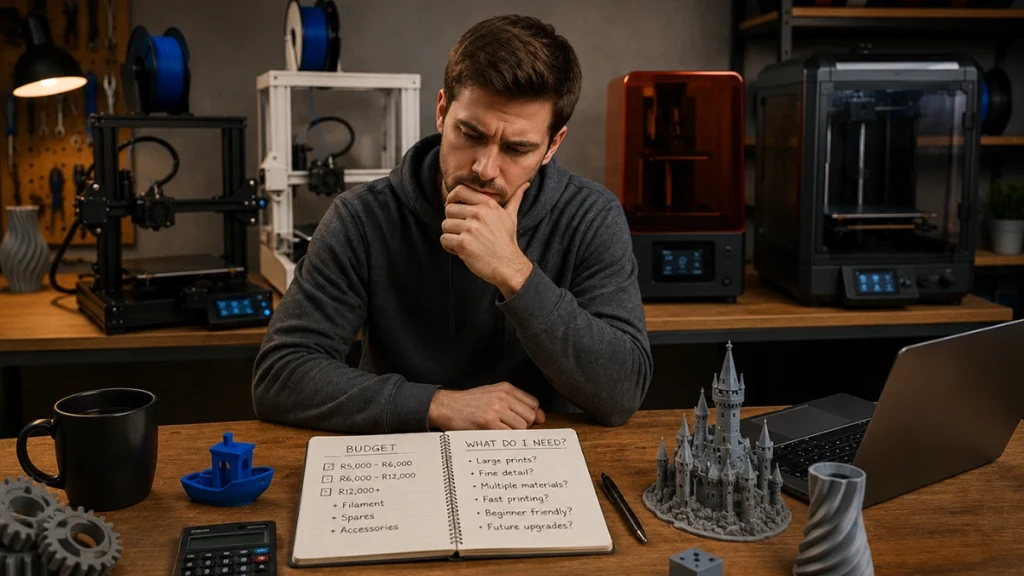
How Much Should You Spend on Your First 3D Printer?
3D printer pricing in South Africa varies significantly depending on features and capabilities.
Entry-Level: Around R5,000 – R6,000
At this price point, you’ll find capable entry-level 3D printers that are perfect for learning the basics.
You may sacrifice:
- Convenience features
- Faster speeds
- Automation
- Premium build quality
But these printers are still very capable for beginners.
Mid-Range: Around R6,000 – R12,000
This is often the sweet spot for serious beginners.
Printers in this range commonly include:
- Automatic bed levelling
- Better build quality
- Direct drive extruders
- Faster performance
- Improved reliability
Spending slightly more upfront often means less troubleshooting later.
Premium: R12,000+
At this level, you’re entering enthusiast and professional territory.
These printers may include:
- CoreXY systems
- Multi-material printing
- Large build volumes
- High-speed performance
- Advanced automation
For most first-time users, these features are nice to have, but not essential.
Buying a 3D Printer in South Africa
One thing many beginners overlook is local support.
Buying from a South African supplier means:
- Faster shipping
- Easier warranty claims
- Better access to replacement parts
- Local troubleshooting assistance
Waiting weeks for overseas parts can become frustrating very quickly.
It’s also worth checking whether your supplier stocks:
- Filament
- Spare nozzles
- Build plates
- Upgrade parts
- Maintenance accessories
Reliable local support can make your beginner experience far smoother.
Final Thoughts
Choosing your first 3D printer doesn’t need to feel overwhelming.
For most beginners, an FDM printer with automatic bed levelling, a heated bed, and strong community support is the ideal place to start.
More importantly, remember that learning is part of the experience.
Every failed print teaches you something useful. Every calibration improves your understanding. Over time, the process becomes second nature, and that’s when 3D printing becomes incredibly rewarding.
Whether you’re interested in functional parts, cosplay, miniatures, or simply exploring a new creative hobby, there’s never been a better time to get started.
Browse the range of beginner-friendly 3D printers available from 3D Print Lab or get in touch with their team for advice on choosing the right machine for your needs and budget.